
director mode
the multi-brand
cinema camera
control app
Evaluate and control the image on iPhone and iPad
with advanced monitoring tools
Exposure
Monitor and adjust supported ISO, shutter, iris, exposure compensation and white balance settings.
Focus
Use supported touch focus, tracking, focus hold, half-press and magnification controls during live image.
Recording
Start and stop recording on individual cameras or control the full group with REC ALL.
Live telemetry
Access advanced shooting information and camera status.
Three different portrait view.
One powerful Landscape monitor
Camera Browser
Different camera systems, different brands, different connection methods.
All brought together and simplified in a single, easy-to-use browser.
Wi-Fi
The Director Mode app can connect and control via Wi-Fi when both the iPhone and the camera are on the same network.
(Performance and latency depend heavily on the type of network being used. For more information, please see “How to Connect.”)
LAN
Supported camera models can connect through a local wired network while the iPhone or iPad remains on the same network.
(A suitable network adapter or camera connection may be required.
USB
For those situations where your iPhone or iPad is near the camera, selected Sony cameras can connect directly with USB-C.
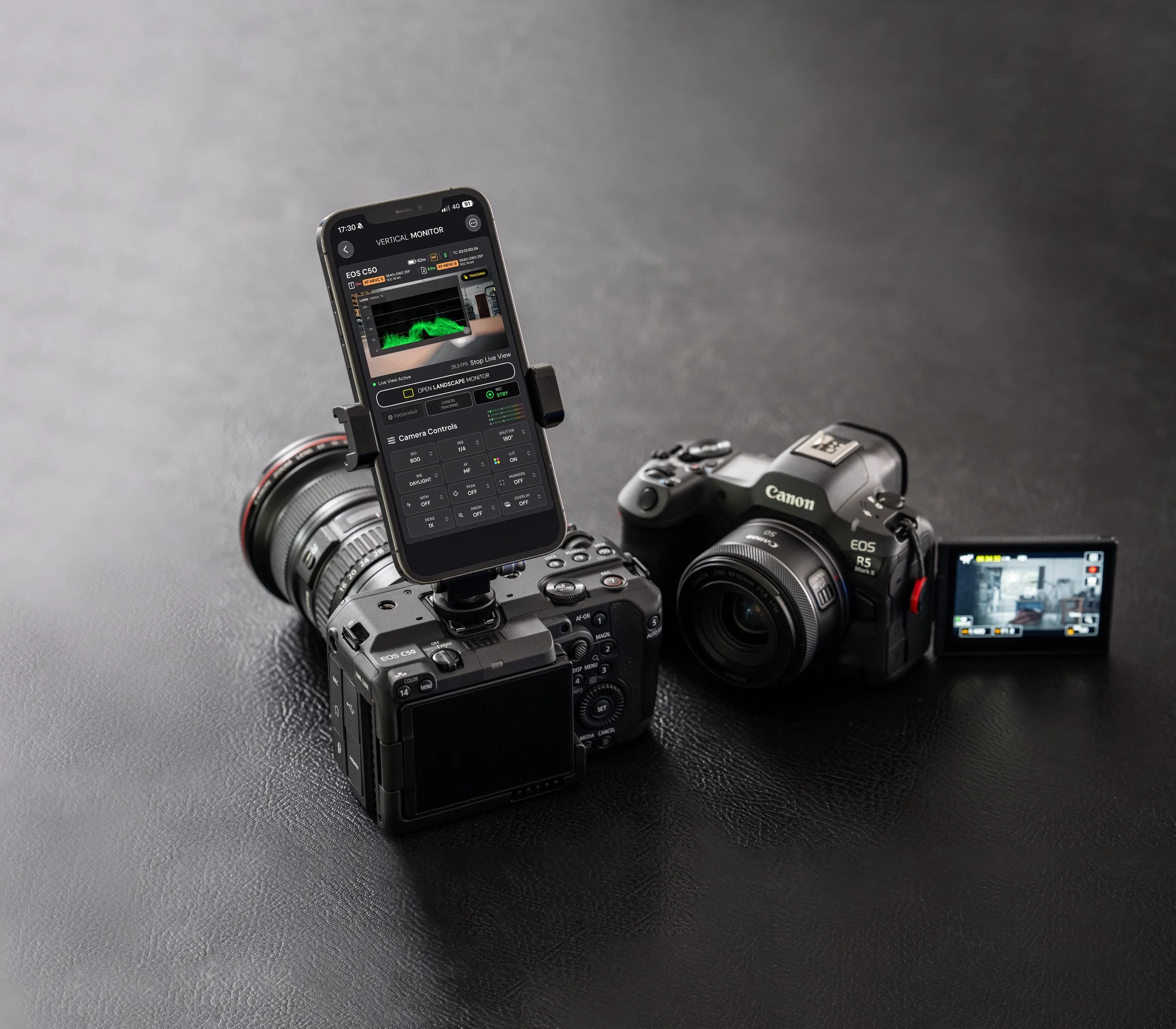
Vertical Console
The VERTICAL CONSOLE provides advanced camera access and control without losing real-time live view or touch-to-focus controls.
Feature availability:
Live View
Individual and group recording control
ISO, shutter, iris and exposure compensation
White balance and Kelvin control
Touch focus and subject tracking
Focus hold, half-press and AF controls *
Live view magnification
Recording format and frame-rate settings*
Advanced camera and media telemetry
Waveform Monitor
LUT preview and custom .cube LUTs
Focus peaking
Frame guides
Anamorphic de-squeeze
Live audio meters *
*support depends on specific models, Please check camera compatibility.
Director mode.
See the whole production.
Combine supported cameras from different systems in the same production view and use a consistent interface without hiding the differences that matter.
Feature availability:
Up to four simultaneous camera feeds
Mixed compatible Canon and Sony cameras
Individual camera controls
Individual REC and REC ALL
Touch focus and tap-to-track during multiple stream
Essential telemetry for every camera
Two, three and four-camera layouts
The landscaper monitor.
One unified Landscape Monitor for every camera, with a customizable OSD and instant access to a wide range of professional monitoring and control tools.
-
Battery status
Recording format
Recording frame rate
Recording resolution
Bit-depth
Color gamma
Timecode
AF status
Memory card status
REC runtime
Remaining REC time
-
Director mode
Magnify
Custom LUTs
Waveform monitor
Focus Peaking
Markers
Picture Overlay
Anamorphic Desq.
OSD customization
-
ISO
Shutter speed
Shutter angle
Iris
WB preset
Custom WB
REC start/stop
-
Tap to focus
Tap to track
AF Hold
Cancel Tracking
Half-press
AF mode
*Specification based on Director Mode with Canon C50. Tools and controls availability may vary depending on brand and camera model.
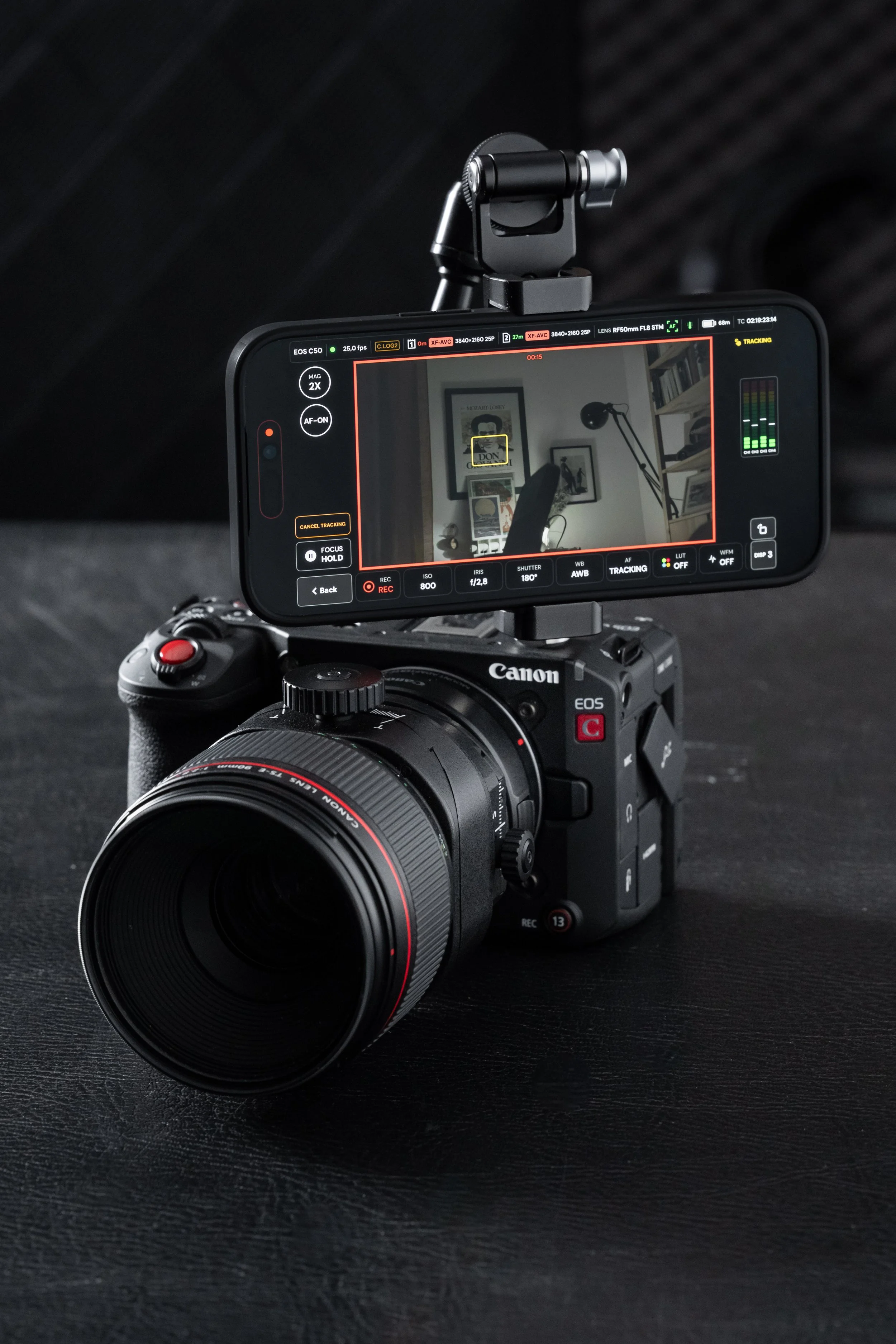
Touch focus and
AF-tracking
Advanced focusing tools including focus tracking, single-shot AF, focus hold, and focus peaking.
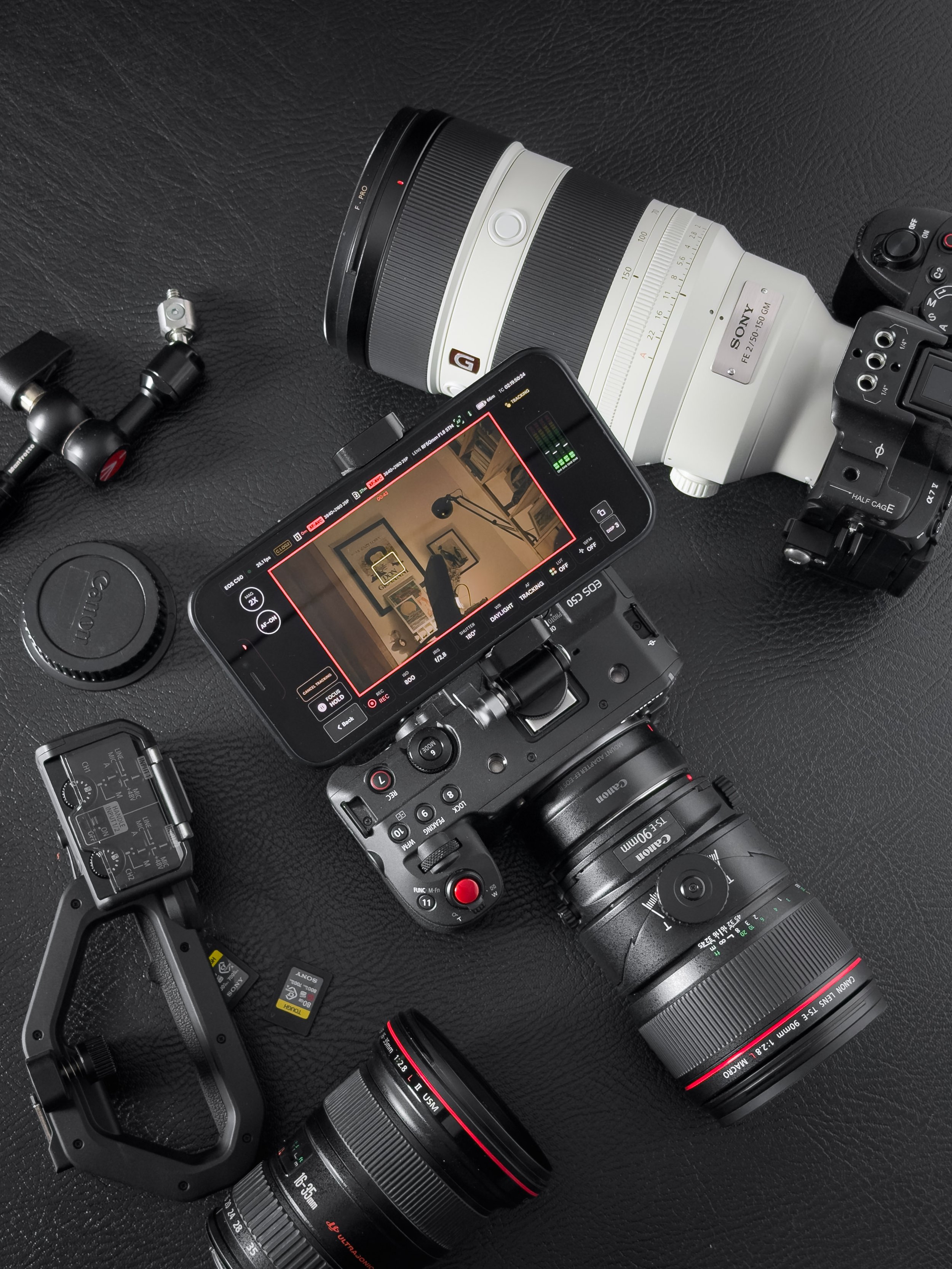
Built for mixed-camera productions with different connections.
Supported connection types
Canon Cinema EOS over Wi-Fi or LAN
Canon EOS R mirrorless over Wi-Fi (beta)
Sony Alpha & FX over Wi-Fi or wired USB-C
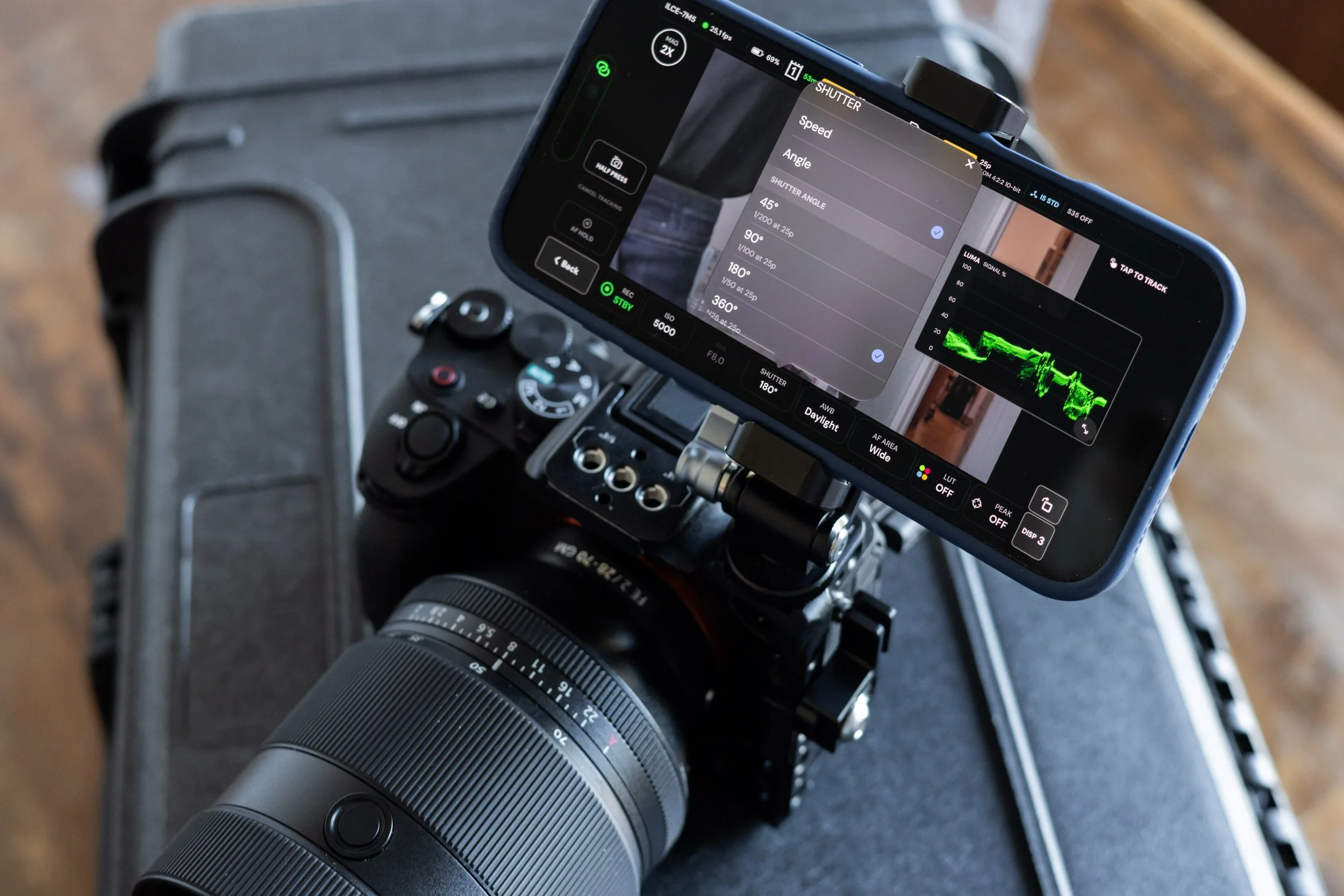
Shutter angle for Sony Alpha
Set shutter angle for consistent motion rendering across frame rates, Director Mode automatically maintains your selected shutter angle during change of recording frame rate, helping prevent costly mistakes on set.
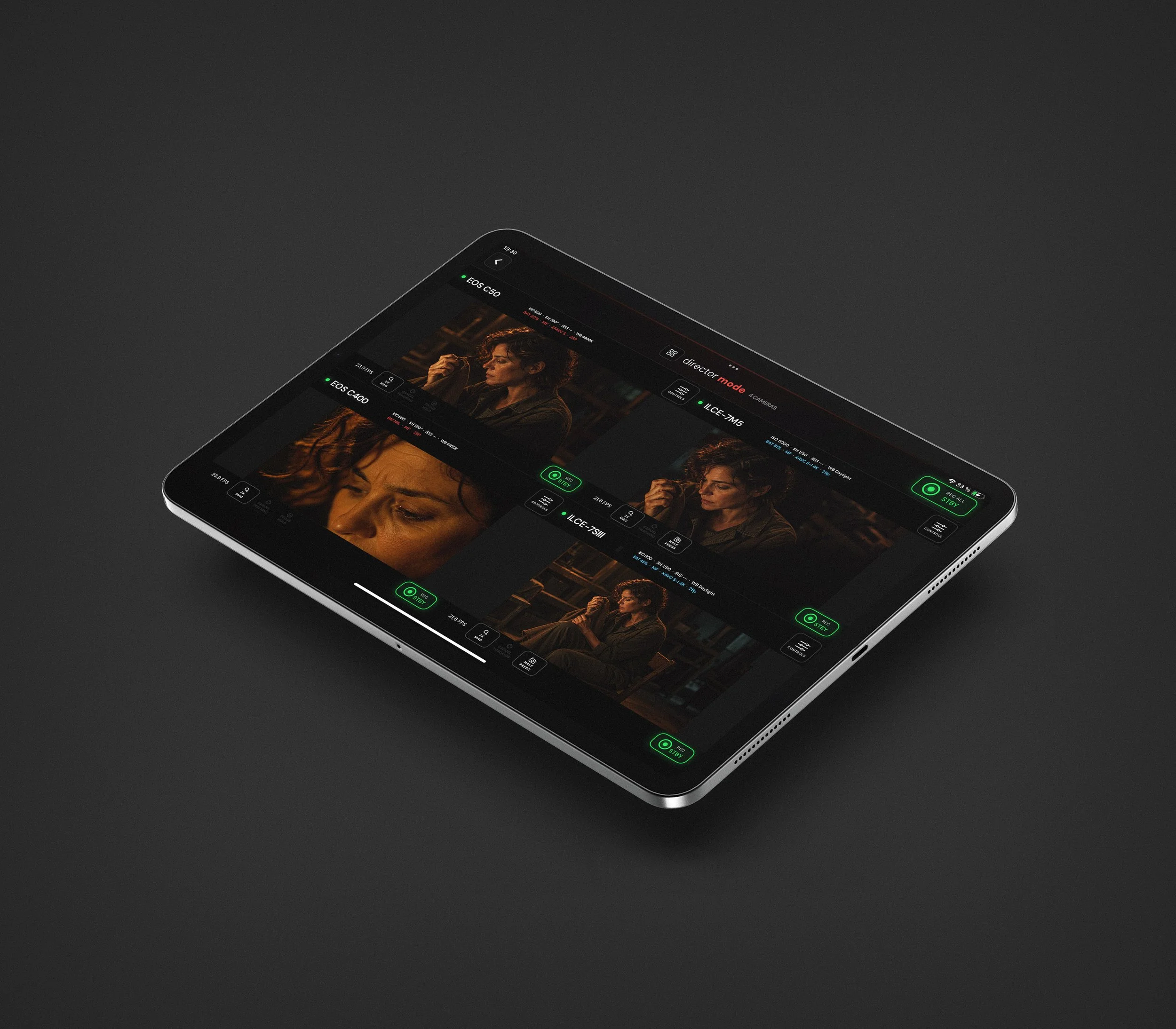
Different brand, one multicamera console.
Monitor and control up to four supported cameras from a single iPhone or iPad, with unified professional tools across your entire setup.
Available tools:
AF Tracking · Waveform · Custom LUTs · Focus Peaking · REC All